Find us here
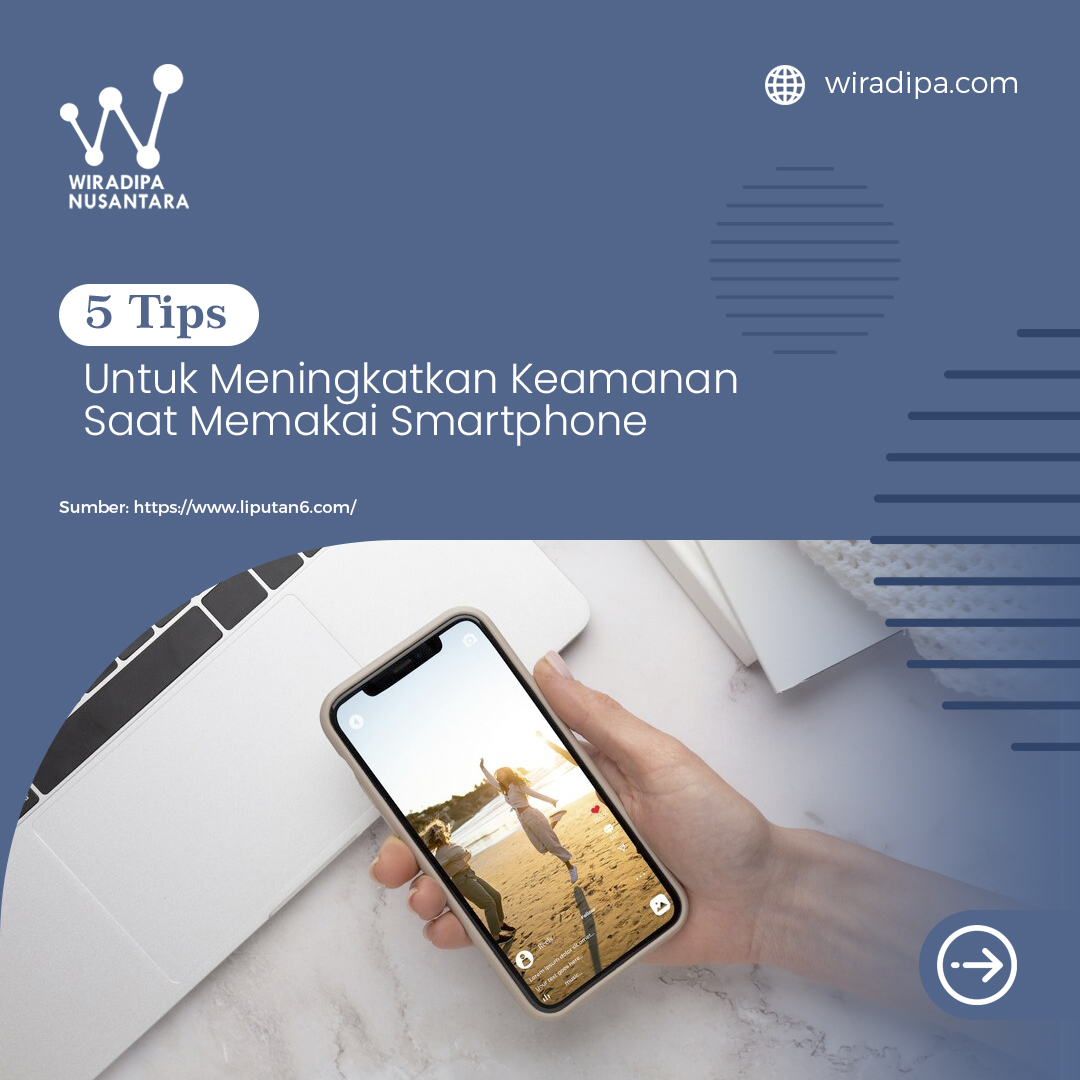
5 Tips to Improve Your Security When Using a Smartphone
1. Enable Screen Lock and Biometric Authentication
The first step to protecting your smartphone is enabling a screen lock. This prevents unauthorized access to your device.
Using fingerprint recognition or facial scan features adds an extra layer of strong protection. Make sure to use a secure pattern or PIN to lock your screen.
2. Update Your Software Regularly
Outdated software can contain security vulnerabilities that hackers may exploit.
Always update your smartphone’s software to the latest version to keep your device secure.
Don’t forget to update all installed apps as well. App updates often include important security patches that protect your device from threats.
3. Use a Secure Internet Connection
It’s important to use a safe and secure internet connection when browsing on your smartphone.
Avoid connecting to unsecured public Wi-Fi networks, as they can expose your personal data to attackers.
Instead, use mobile data or a private, password-protected Wi-Fi network to ensure your information stays safe.
4. Enable Tracking Features
Activate your smartphone’s remote tracking feature. This allows you to locate your device if it gets lost or stolen, and even erase personal data remotely.
Make sure this feature is enabled and learn how it works so you can act quickly in case your phone goes missing.
5. Be Cautious With the Apps You Download
Only download apps from trusted sources like the Google Play Store or Apple App Store.
Avoid installing apps from unknown sources, as they may compromise your device’s security.
Always check an app’s reviews and ratings before installing it, and provide only the necessary permissions during installation.
Recent Articles





Featured Articles





.jpg)